

How to Start a Gaming YouTube Channel in Pakistan: A Complete Guide

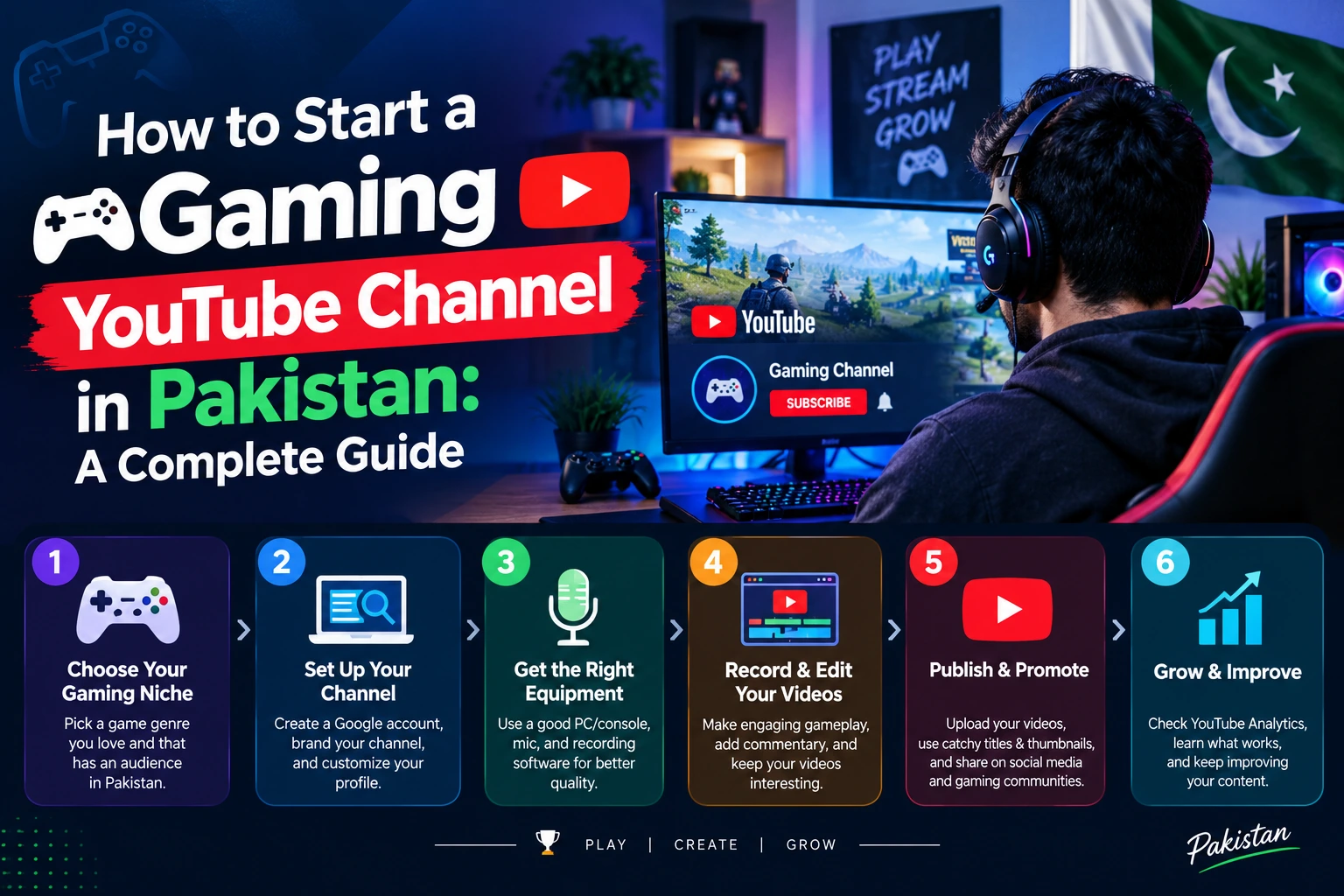
Do you enjoy playing PUBG Mobile, Free Fire, Minecraft, GTA V, or other video games? What if you could turn your gaming sessions into entertaining videos, build an online community, and eventually earn money from your content?
Learning how to start a gaming YouTube channel in Pakistan does not require an expensive gaming PC, professional camera, or studio. You can begin with a smartphone, a decent internet connection, and a clear content strategy.
The real challenge is creating videos that people want to watch and giving them a reason to return to your channel. From choosing the right game to recording gameplay, optimizing videos, and meeting YouTube’s monetization requirements, this guide explains how to get started step by step.
1. Choose the Right Gaming Niche
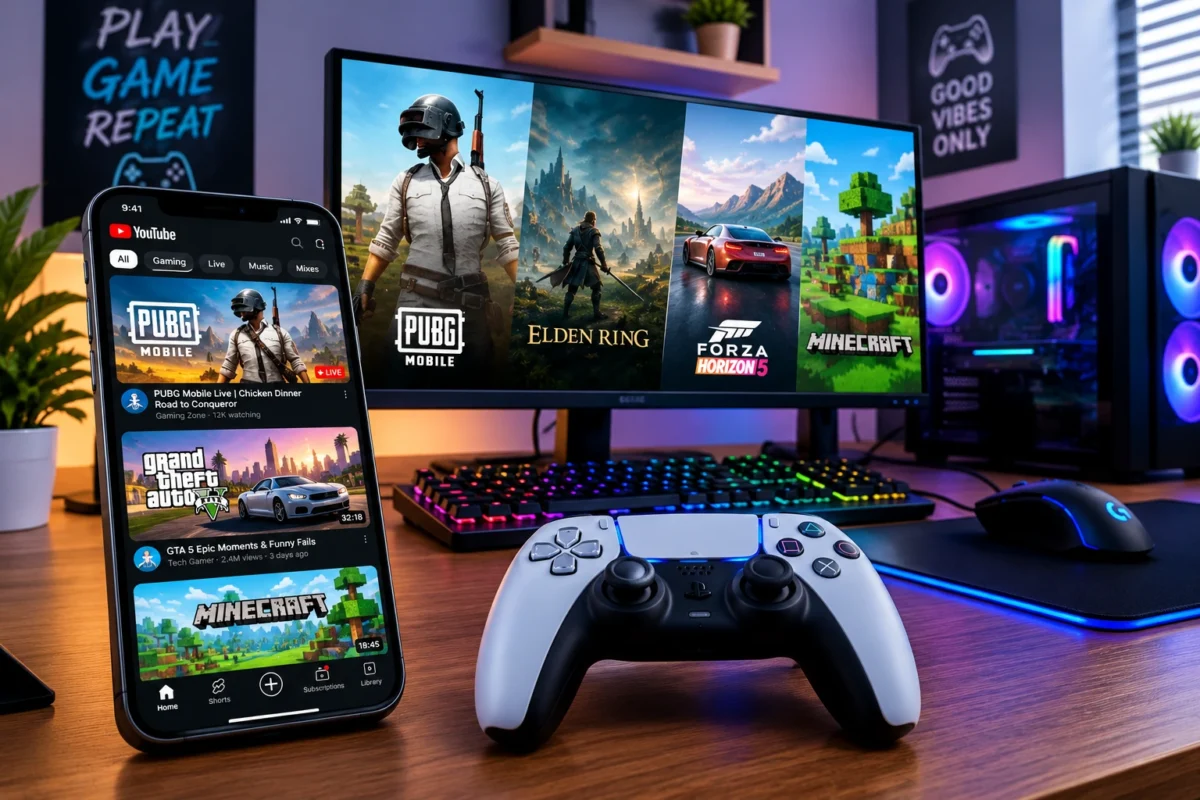
Before creating your channel, decide what type of gaming content you want to publish. Uploading unrelated games without a clear direction can make it difficult for viewers to understand what your channel offers.
Start with a game you genuinely enjoy and understand. Your familiarity with the game will help you create more useful tutorials, interesting challenges, and entertaining commentary.
Popular Gaming Content Ideas
Consider these content categories:
- Mobile gaming: PUBG Mobile, Free Fire, Call of Duty: Mobile, or other games you can run comfortably on your phone.
- PC gaming: Minecraft, GTA V, Valorant, and other PC games suitable for your equipment.
- Gaming tutorials: Settings, beginner guides, control layouts, strategies, and troubleshooting.
- Challenges and entertainment: Funny moments, difficult missions, unusual challenges, and gameplay highlights.
- Live streaming: Real-time gameplay, audience interaction, and multiplayer sessions.
Choose one primary game or a closely related group of games to begin with. Once you understand what your audience enjoys, you can experiment with additional content.
Decide Which Language to Use
Language can help define your channel’s identity. In Pakistan, you could create content in Urdu, Roman Urdu, English, or a natural mixture of Urdu and English.
For example, a video titled PUBG Mobile Best Sensitivity Settings for Beginners could include Urdu commentary while retaining familiar English gaming terms.
The important thing is consistency. Choose a style that feels natural and makes your videos easy for your intended audience to understand.
2. Start With the Gaming Equipment You Already Have
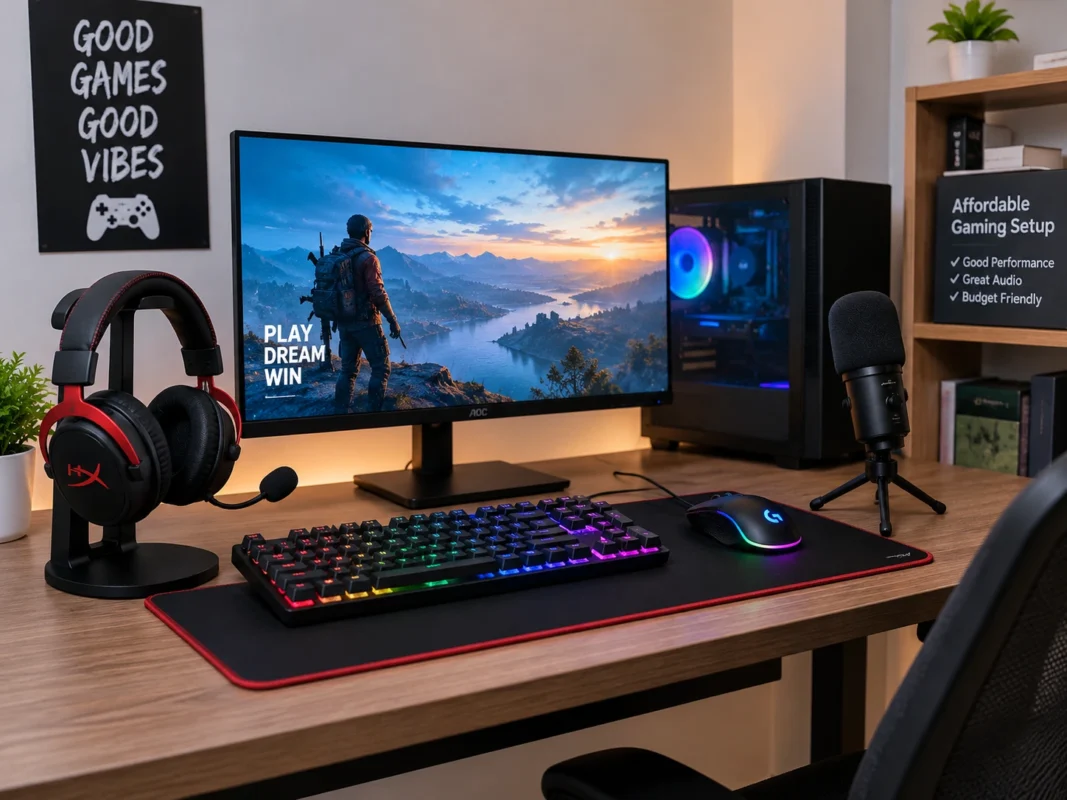
One common misconception is that every gaming YouTuber needs expensive equipment. In reality, you can start small and improve your setup as your channel develops.
Basic Equipment for Mobile Gamers
If you play games on a smartphone, begin with:
- A phone that runs your chosen game smoothly.
- A built-in screen recorder or a reliable recording application.
- Earphones or a microphone that captures clear voice audio.
- Enough storage space for gameplay recordings.
- A stable internet connection for uploading videos.
You do not need to purchase a separate camera if your content relies on gameplay and commentary rather than face-cam reactions.
Basic Equipment for PC Gamers
For PC gaming, your initial setup may include:
- A computer capable of running your chosen game.
- Screen-recording software, such as OBS Studio.
- A microphone or a good-quality headset.
- A video editor compatible with your computer.
- Reliable internet access for uploading and streaming.
Start by testing your equipment. Record a short gameplay session, check whether the game runs smoothly, and listen carefully to your microphone.
Practical tip: Clear audio and interesting commentary can make a simple recording more enjoyable than gameplay with distracting noise and no explanation.
3. Create and Set Up Your YouTube Channel
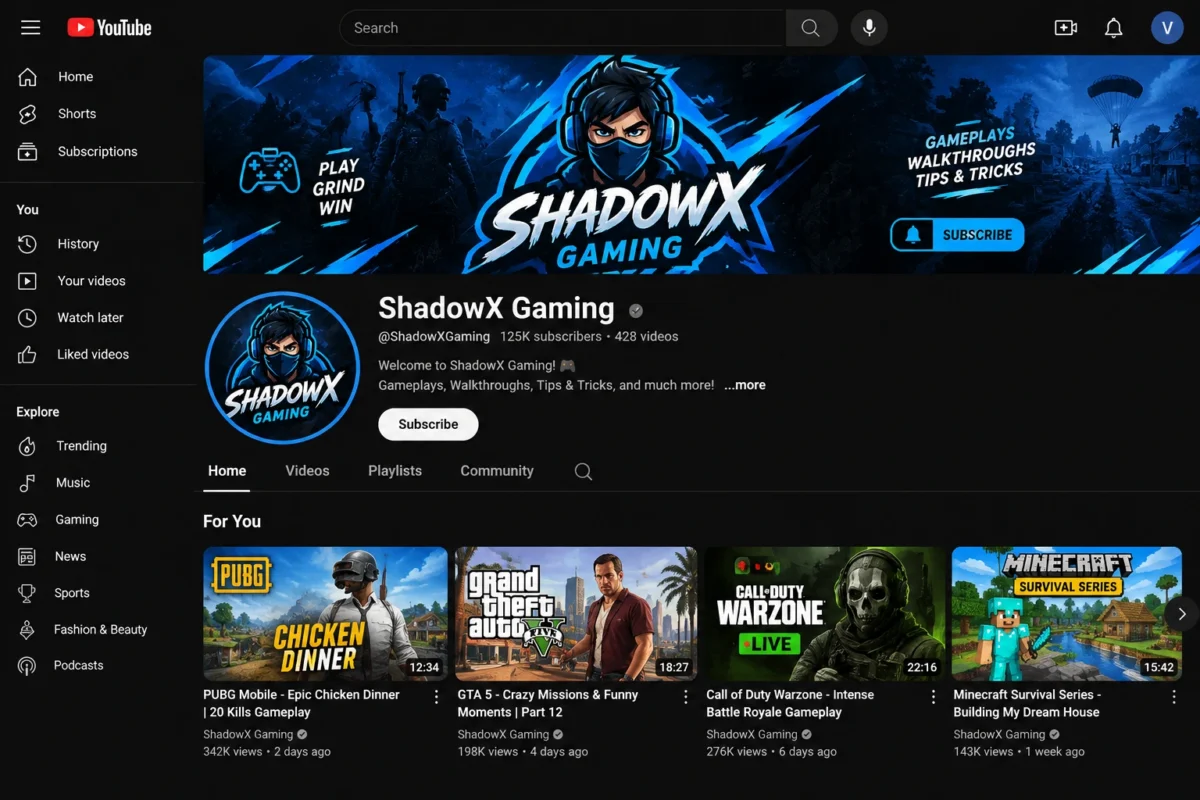
Once you have selected your game and tested your equipment, create your channel.
Follow These Steps
- Sign in to YouTube with your Google Account.
- Create a YouTube channel and select a suitable channel name and handle.
- Upload a recognizable profile picture or gaming logo.
- Design a banner that communicates your channel’s theme.
- Write an About section explaining your games, language, and content style.
- Verify your account by following YouTube’s phone-verification process.
Phone verification provides access to features such as custom thumbnails, longer video uploads, and live streaming, subject to the applicable account requirements. Check YouTube’s official verification guidance for details.
Choose a Memorable Channel Name
Your channel name should be easy to pronounce, remember, and search for. Avoid unnecessarily long names, complicated spellings, or names that imitate established creators.
Examples of naming styles include:
- A personal gaming identity.
- A short name connected to your favorite game.
- A unique name that can accommodate multiple games over time.
Before finalizing the name, check whether another creator is already using a confusingly similar identity.
4. Plan Your First Gaming Videos
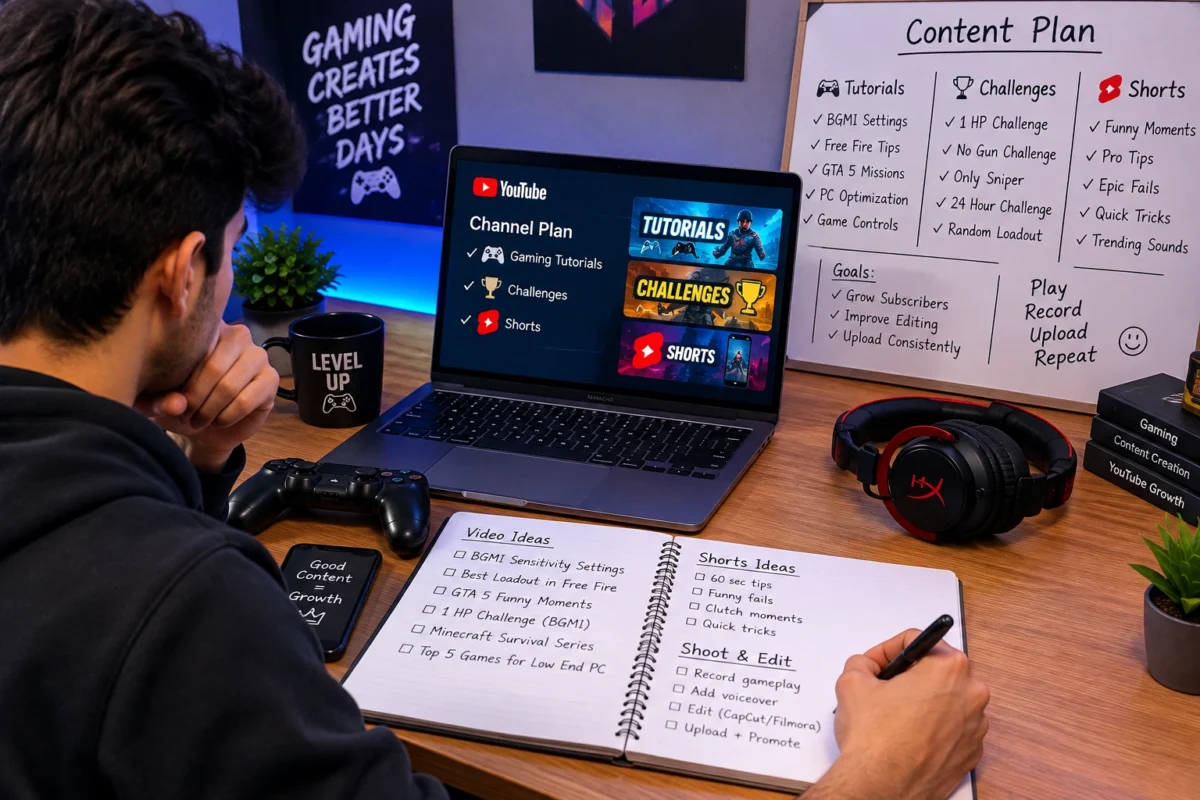
Do not wait until your channel looks perfect. Your first priority should be creating useful or entertaining videos that clearly communicate their value.
A strong starting strategy combines searchable tutorials with original gameplay and short highlights.
Gaming Video Ideas for Beginners
Here are some practical examples:
Video Type | Example Title |
Tutorial | PUBG Mobile Best Settings for Beginners |
Gameplay | My First Ranked Match in Free Fire |
Challenge | Can I Win Using Only One Weapon? |
Troubleshooting | How to Reduce Lag While Gaming on Android |
Highlights | Funniest Gaming Moments With Friends |
Comparison | Mobile Gaming vs. PC Gaming: My Experience |
These titles are starting points, not guaranteed ways to attract views. Adapt each idea to your actual gameplay and the questions your intended audience asks.
Use YouTube Shorts Strategically
Short-form videos can showcase funny moments, impressive plays, quick tips, or unexpected gameplay outcomes.
For example, you could publish a short clip showing a clutch win and link interested viewers toward a related full-length video when appropriate.
Do not upload random clips simply to increase publishing frequency. Each Short should deliver a complete moment, useful tip, or clear entertainment value.
5. Record and Edit Your Gameplay Professionally
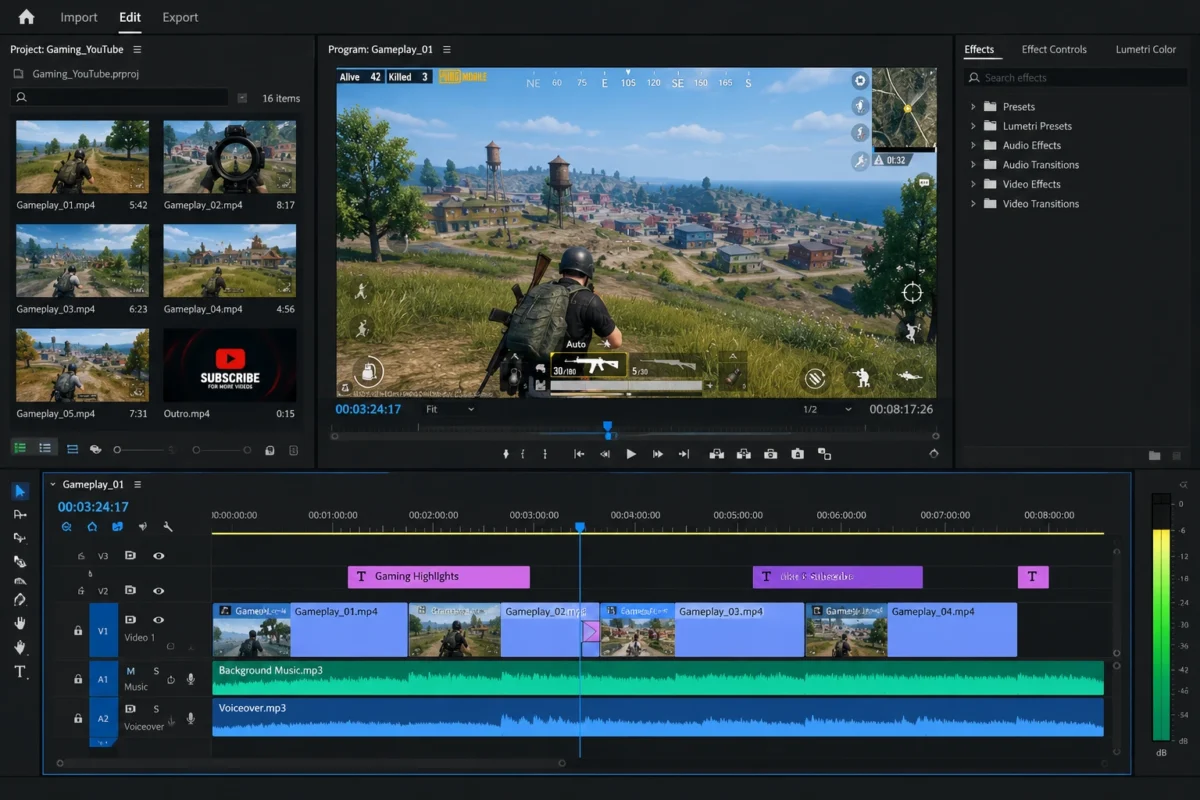
Recording is only part of the job. Editing helps transform a long gaming session into a video that respects viewers’ time.
Make Your Videos Easy to Watch
Before uploading, review your footage and remove:
- Long pauses and unnecessary waiting.
- Repeated attempts that add little value.
- Distracting background noise.
- Technical problems that interrupt the experience.
- Intros that delay the main content.
For tutorial videos, explain each step clearly. For entertainment-focused gameplay, keep the strongest moments and use commentary to give the video personality.
You can use free or low-cost editing software on your phone or computer. Choose a tool that your device can handle rather than spending money on advanced features you do not need yet.
Improve Audio and Video Quality
Try to record at a resolution and frame rate your device can maintain consistently. Smooth, watchable gameplay is more important than selecting settings that cause lag or dropped frames.
If you use background music, choose tracks you have permission to use. YouTube’s Audio Library offers music and sound effects intended for creator use, with attribution requirements applying to some tracks.
Remember that game publishers have different rules governing commercial use of their games. Check the applicable publisher’s licence and YouTube’s video game and software content guidance, especially if monetization is a goal.
6. Optimize Your Gaming Videos for YouTube SEO
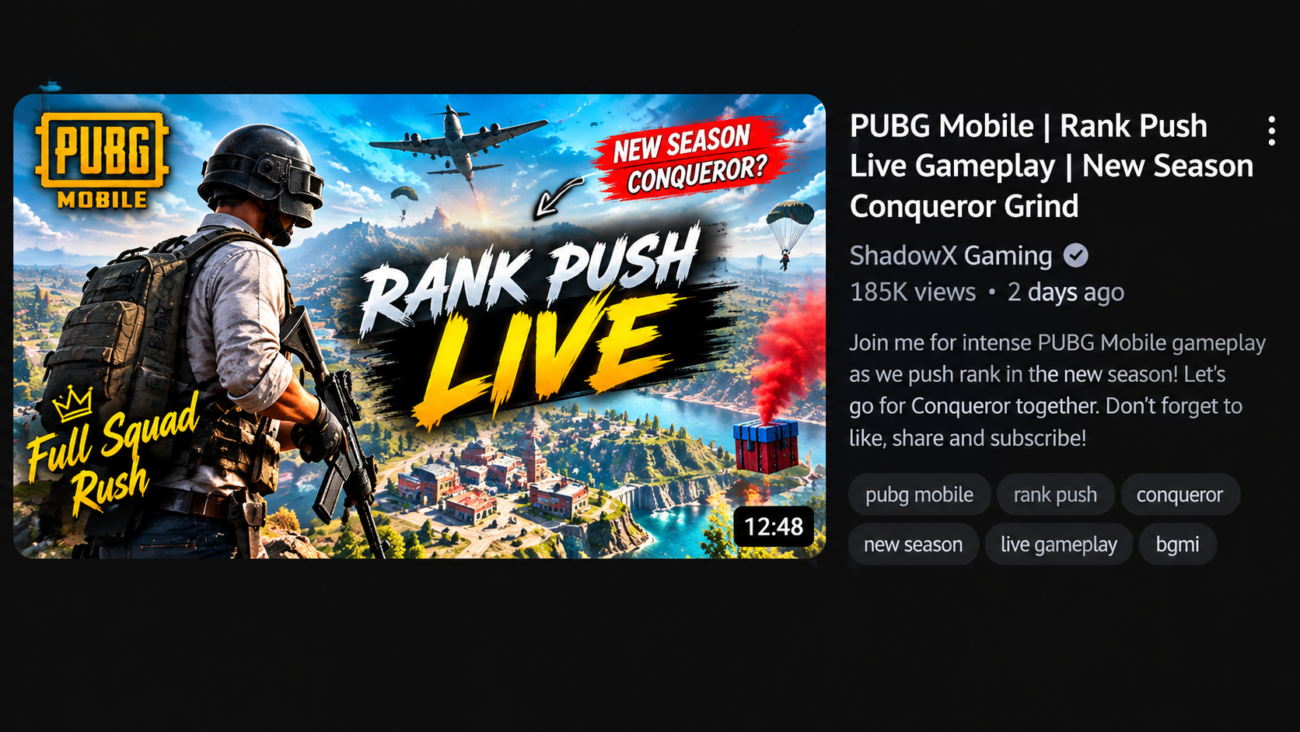
Search optimization helps viewers understand your content and can improve its discoverability. However, keywords alone cannot compensate for an uninteresting video or a misleading title.
Write Clear, Searchable Titles
Use the game name and the main topic naturally.
For example:
- How to Fix Lag in PUBG Mobile on Android
- Free Fire Beginner Tips to Improve Your Gameplay
- Best Minecraft Survival Tips for New Players
- How to Start a Gaming YouTube Channel in Pakistan
Keep titles accurate and put the most important information near the beginning.
Design Attractive Thumbnails
Your thumbnail should communicate the video’s main idea at a glance.
Use a clear gameplay screenshot, readable text where helpful, and a simple visual composition. Avoid filling the image with too many elements or promising a result that the video does not deliver.
YouTube explains its recommendations for effective titles and thumbnails in its official thumbnail and title guide.
Write Useful Video Descriptions
Your description should briefly explain what viewers will learn or see. Include the main search phrase naturally, describe the relevant game, and add chapters or related playlist links where useful.
For example, a video about reducing PUBG Mobile lag could mention the device type, relevant settings, and troubleshooting steps covered in the video.
Tags can help with common misspellings, but YouTube identifies titles, thumbnails, and descriptions as more important discovery elements. Read its video tag guidance rather than spending too much time filling the tag field.
7. Publish Consistently and Build an Audience
Consistency gives you opportunities to improve your videos and helps viewers know what to expect. It does not mean uploading every day if that forces you to publish rushed or repetitive content.
Choose a schedule that fits your studies, job, family commitments, and internet access.
For example, you could publish one or two well-prepared main videos each week and create Shorts from suitable moments in those recordings. Adjust the schedule after you understand how long recording and editing actually take.
Engage With Your Viewers
A gaming channel becomes more than a collection of gameplay clips when viewers feel welcome.
Ask relevant questions, respond thoughtfully to comments, invite viewers to suggest future challenges, and give credit to collaborators when appropriate.
You can also collaborate with creators who make similar content and have a compatible audience. Focus on building genuine relationships instead of exchanging spam comments or artificial engagement.
Learn From YouTube Analytics
Review your YouTube Studio analytics to identify patterns.
Pay attention to:
- Click-through rate: Whether your titles and thumbnails encourage impressions to become views.
- Audience retention: Where viewers continue watching or leave.
- Traffic sources: Whether viewers arrive through search, recommendations, Shorts, or other sources.
- Returning viewers: Whether people are coming back for more content.
Use these signals to test improvements. For example, if viewers regularly leave before a tutorial reaches its first useful step, shorten the introduction and deliver the promised information sooner.
8. Understand YouTube Monetization in Pakistan
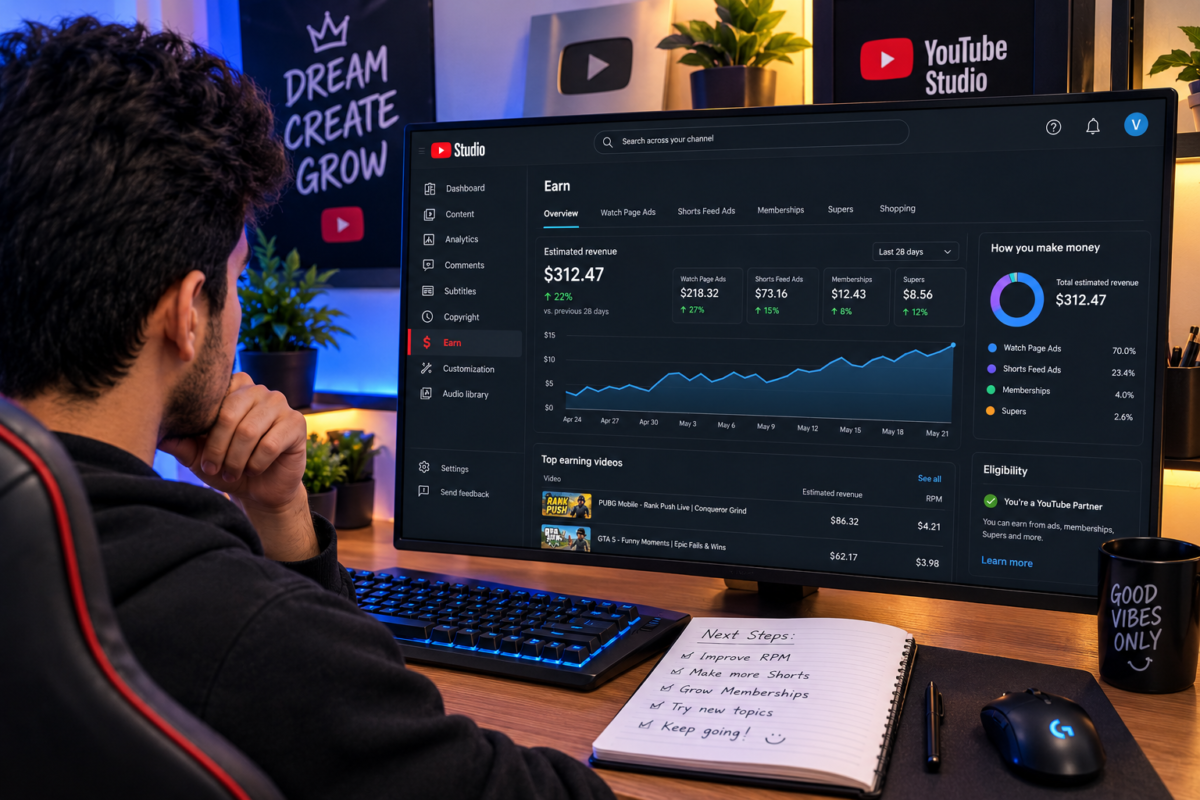
Earning money is possible, but starting a channel does not guarantee income. Focus first on building original content and a real audience.
Pakistan is listed among the countries where creators can join the standard YouTube Partner Program. For advertising revenue, YouTube currently lists these main eligibility thresholds:
- 1,000 subscribers, and
- Either 4,000 valid public watch hours during the previous 12 months or 10 million valid public Shorts views during the previous 90 days.
Meeting the numbers does not automatically guarantee approval. Your channel must also satisfy the relevant monetization policies and other eligibility requirements, including the necessary account setup. Review YouTube’s official Partner Program requirements before applying.
Potential Income Sources for Gaming Creators
Depending on eligibility, audience, and business opportunities, a gaming creator may explore:
- Advertising revenue and eligible YouTube Premium revenue.
- Fan-funding features available to eligible channels and regions.
- Sponsorships from relevant brands.
- Affiliate links that are clearly disclosed.
- Other legitimate products or services related to the creator’s expertise.
Income depends on factors such as audience location, viewer engagement, advertiser demand, video suitability, and the creator’s commercial arrangements. Subscriber count alone does not determine earnings.
Be cautious of anyone promising guaranteed monetization, instant subscribers, or fixed monthly income. Avoid buying engagement or using artificial methods to inflate your channel’s performance.
9. Common Mistakes New Gaming YouTubers Should Avoid
Several early mistakes can waste time or undermine a channel’s growth.
Copying other creators: Study successful formats, but develop your own commentary, editing, challenges, and presentation.
Uploading unedited gameplay without adding value: YouTube’s gaming monetization guidance explains that gameplay eligibility can depend on publisher permissions and meaningful instructional or educational commentary. Repetitive or minimally transformed content may also fail monetization review.
Using copyrighted music: A song being available online does not mean you can use it commercially. Use appropriately licensed music and keep any required attribution.
Changing games constantly: Experimentation is useful, but give viewers a clear reason to subscribe by maintaining a recognizable content theme.
Buying subscribers or views: Artificial engagement does not create a dependable audience and can violate platform policies.
Spending too much too early: Upgrade equipment when a genuine limitation prevents you from producing better content. Start with what you can afford.
Quick Takeaways
Before publishing your first gaming video, make sure you have:
- Selected a clear gaming niche and language.
- Tested your recording and audio setup.
- Created your channel identity and verified your account where necessary.
- Planned several original video ideas.
- Prepared an accurate title, thumbnail, and description.
- Checked copyright and monetization considerations.
- Chosen a realistic publishing schedule.
Frequently Asked Questions
Start with a smartphone or computer you already own, a built-in screen recorder, and free editing tools. Focus on helpful tutorials, entertaining gameplay, or original commentary. Upgrade your equipment only when you can identify a specific limitation that prevents you from producing better videos.
Choose a game you enjoy, can run reliably, and can create multiple videos about. Mobile games, PC games, tutorials, gameplay challenges, and gaming guides can all provide content opportunities. Research existing videos and viewer questions before committing to a niche, and prioritize a format you can sustain.
For standard advertising revenue through the YouTube Partner Program, the main threshold is 1,000 subscribers plus either 4,000 valid public watch hours over 12 months or 10 million valid public Shorts views over 90 days. You must also meet the other applicable eligibility requirements and pass the channel review.
Yes, a face camera is not essential. You can create tutorials, gameplay commentary, walkthroughs, and other original gaming videos without appearing on camera. However, monetization depends on the content’s originality, the publisher’s commercial-use permissions, and YouTube’s policies—not simply whether your face is visible.
Both formats can be useful. Longer videos suit detailed tutorials, walkthroughs, and extended gameplay, while Shorts can showcase quick tips and memorable moments. Select the format that best serves your idea, then review analytics to understand which subjects and formats your audience responds to.
Conclusion
Learning how to start a gaming YouTube channel in Pakistan is about more than recording your favorite game. You need to choose a clear niche, create engaging videos, optimize them for discovery, and build a genuine connection with viewers.
You do not need expensive equipment or a large audience before getting started. Choose one game, record your first useful or entertaining video, and use the response to improve your next upload.
Your next step: Create your channel, plan your first three videos, and publish the one you can produce best with your current equipment. If you want to strengthen your broader digital skills, you can also explore relevant learning resources at uskills.pk.