
How to Start a YouTube Automation Business with AI Tools: A Complete Guide

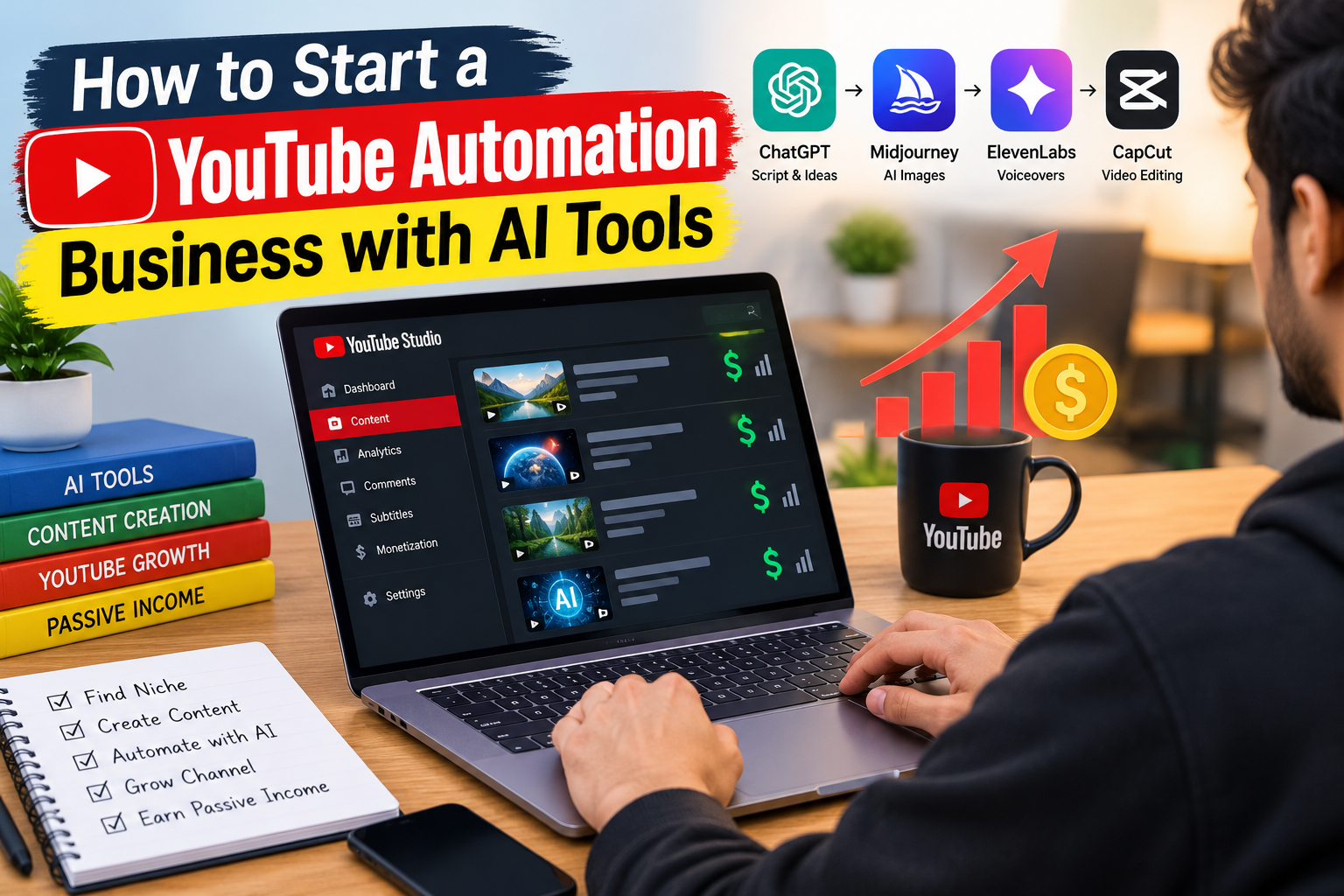
Starting a YouTube channel no longer requires expensive cameras, a recording studio, or a team of professional video editors. With the right AI tools and a well-planned workflow, you can research topics, write scripts, create voiceovers, edit videos, and manage much of your content production digitally.
This approach is commonly known as a YouTube automation business. Instead of personally handling every production task, you use software, repeatable processes, and sometimes freelancers to manage different stages of creating and publishing videos.
AI makes this process more accessible, but it does not guarantee views or income. Your success still depends on choosing a suitable niche, producing original content, understanding your audience, and following YouTube’s monetization policies.
In this guide, you will learn how to start a YouTube automation business with AI tools, which software can help, how to build an efficient production workflow, and how to develop realistic monetization goals.
What Is a YouTube Automation Business?
A YouTube automation business is a content operation that uses systems, software, and delegated tasks to publish videos consistently without requiring the channel owner to perform every task manually.
Some creators operate faceless channels, meaning they do not appear on camera. Instead, their videos may use narration, screen recordings, original animations, demonstrations, or licensed visual assets.
For example, a channel about productivity could publish tutorials featuring screen recordings, original scripts, AI-assisted narration, and edited visuals. The owner could use AI for research assistance and captions while handling fact-checking, creative direction, and quality control.
A typical workflow includes:
- Niche research and topic selection.
- Scriptwriting and fact-checking.
- Voiceover and visual production.
- Video editing and captioning.
- Thumbnail and title development.
- Publishing and performance analysis.
The objective is to make production more efficient while maintaining the originality and quality that viewers expect.
Is YouTube Automation Profitable in 2026?
A YouTube automation business can generate income, but profitability is not guaranteed. Revenue depends on audience demand, video performance, monetization eligibility, production expenses, and the business model you choose.
Potential income sources include YouTube advertising revenue, sponsorships, affiliate marketing, memberships where eligible, and relevant digital products.
However, a new channel may take considerable time to attract an audience and qualify for monetization. Hiring writers, editors, and voice artists before validating your niche can create expenses without producing a reliable return.
For beginners, the most sensible approach is to start small, test content ideas, and invest more only when the channel demonstrates promising results.
How to Start a YouTube Automation Business with AI Tools
Step 1: Choose a Profitable and Sustainable Niche
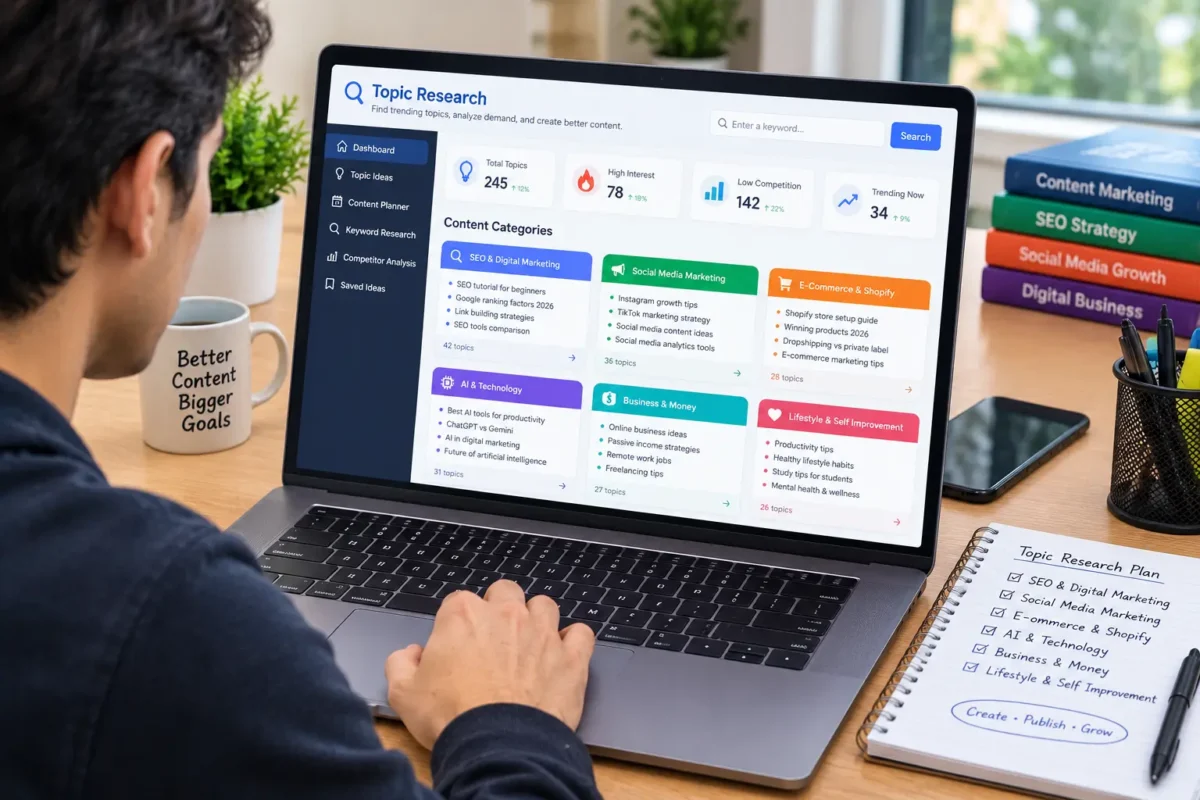
Your niche determines the audience you attract, the topics you cover, and the potential ways your channel can earn revenue.
Look for a subject that combines audience interest, your ability to produce useful content, and realistic opportunities for monetization.
Potential niches include:
- AI tools and software tutorials.
- Personal productivity and educational content.
- Technology explainers.
- Business and entrepreneurship education.
- History and documentary-style storytelling.
- Career development and digital skills.
- Software demonstrations and practical how-to guides.
Before choosing, research existing channels, search suggestions, competing videos, and questions people ask about your topic.
Avoid selecting a niche solely because someone claims it generates high advertising revenue. Audience location, advertiser demand, video format, and other factors can influence earnings.
Choose a subject you can cover accurately and consistently without relying entirely on copied material or generic AI-generated scripts.
Step 2: Research Topics Using AI
Once you choose a niche, identify specific questions your target audience wants answered.
AI assistants can help brainstorm video ideas, group related topics, develop outlines, and identify potential content gaps. However, AI-generated suggestions should be treated as starting points rather than verified evidence of search demand.
For example, if your niche is AI productivity tools, possible videos include:
- How to automate repetitive tasks with AI.
- AI tools for organizing study notes.
- Common mistakes when using AI writing assistants.
- A practical comparison of two productivity applications.
Evaluate ideas by reviewing existing YouTube videos, search suggestions, audience comments, and the quality of competing content.
A strong video topic solves a clear problem or offers an interesting explanation that viewers cannot easily get from a generic summary.
Step 3: Write Original Scripts with AI Assistance
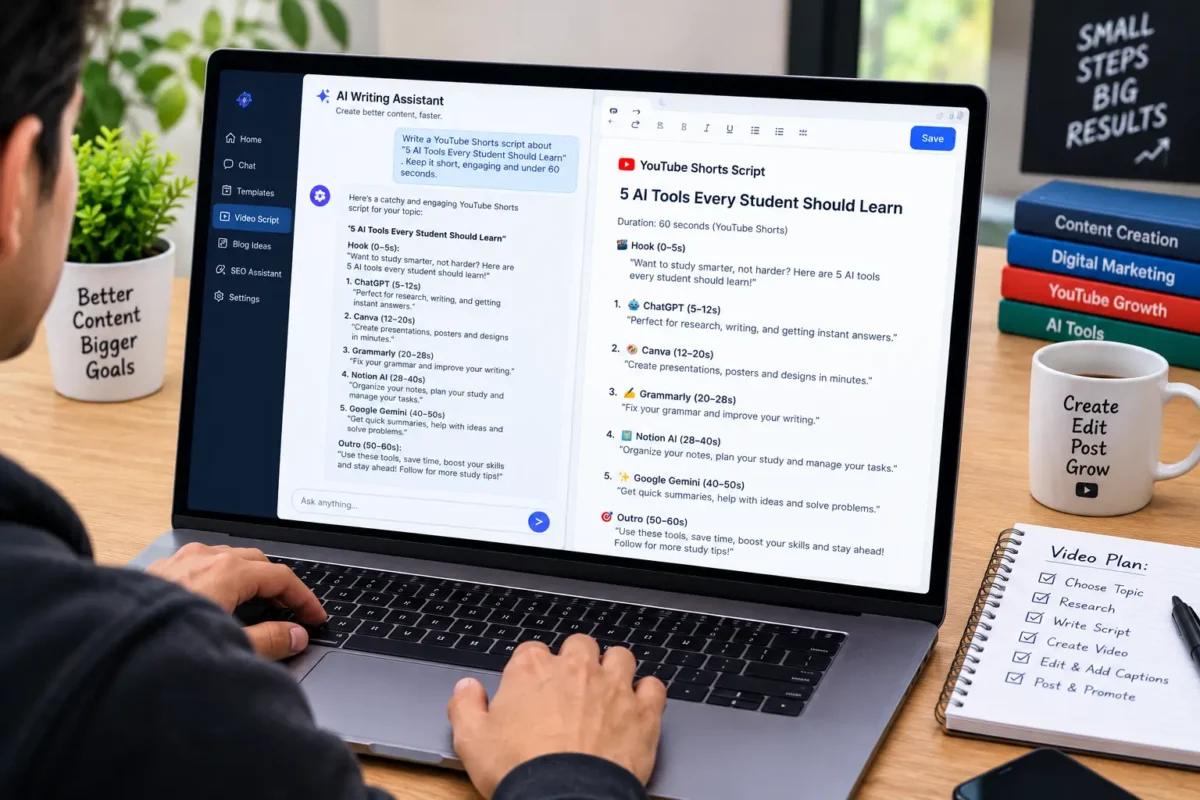
AI can help you produce a first draft, structure a story, simplify complicated explanations, and improve the flow of a script.
Useful tools include ChatGPT for brainstorming and drafting, and other writing assistants that support your preferred workflow.
Your script should have a clear opening, a useful main section, and a conclusion that gives viewers a reason to continue exploring your channel.
For example, a video titled “Five AI Tools That Save Time for Students” should explain what each tool does, demonstrate relevant features, and discuss limitations. Simply listing tool names with generic descriptions is unlikely to provide much value.
Before recording or generating narration:
- Verify factual claims against reliable sources.
- Remove repetitive or unsupported statements.
- Add original examples and practical insights.
- Check product names, pricing, and feature availability.
- Rewrite sections that sound generic or unnatural.
AI should accelerate your creative process, not replace editorial judgment.
Step 4: Create Voiceovers and Visuals
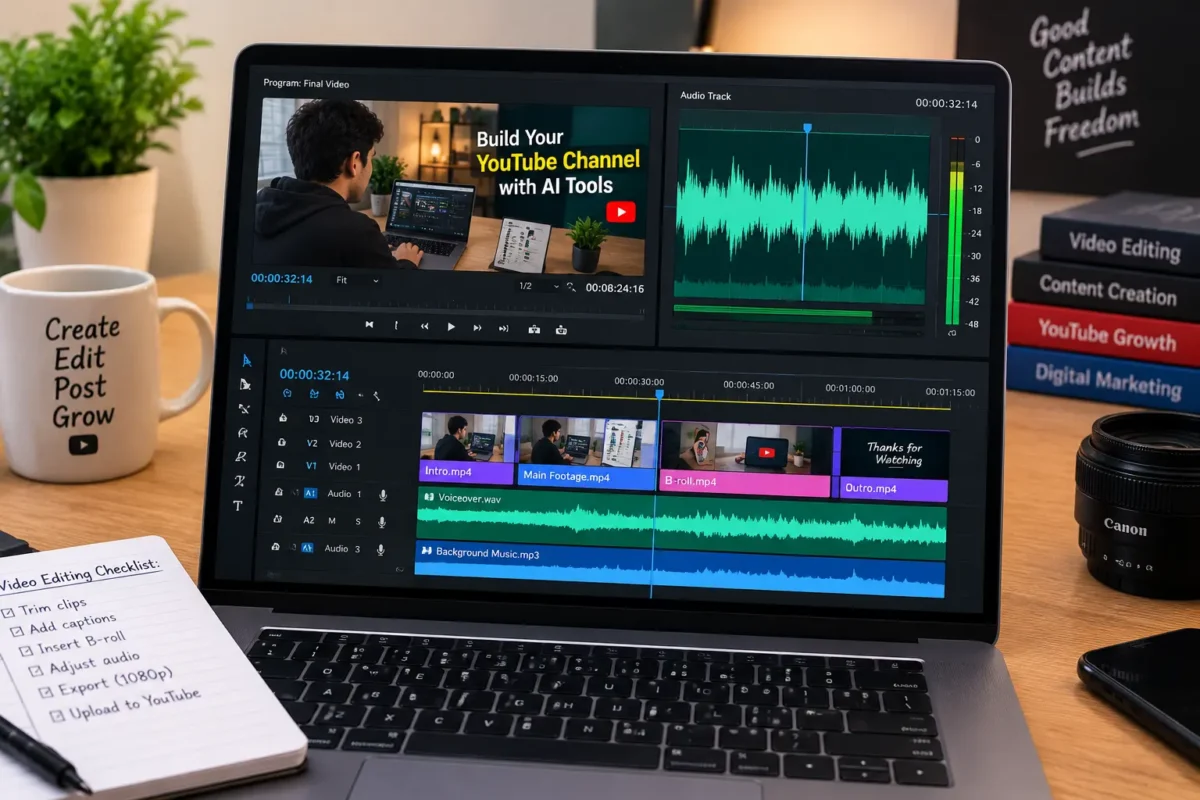
If you prefer a faceless channel, you can produce narration and visuals without appearing on camera.
AI voice tools can generate narration from a script, while video editors and design applications can help assemble visuals, captions, and transitions.
Possible tools include:
- ElevenLabs: AI voice generation and related audio tools.
- Canva: Thumbnails, graphics, presentations, and visual assets.
- CapCut: Video editing, captions, and other production features.
- Descript: Audio and video editing workflows.
- Runway: AI-assisted video and visual generation.
Features, prices, licensing terms, and regional availability may change, so verify each tool’s current offering before committing to a paid plan.
Use visuals that directly support the script. Depending on your topic, these might include original screen recordings, demonstrations, licensed stock footage, custom graphics, or AI-generated scenes.
Avoid creating videos that consist mainly of unrelated stock clips and repetitive narration. A coherent visual story and meaningful explanation help distinguish your channel from mass-produced content.
Step 5: Edit Videos Efficiently
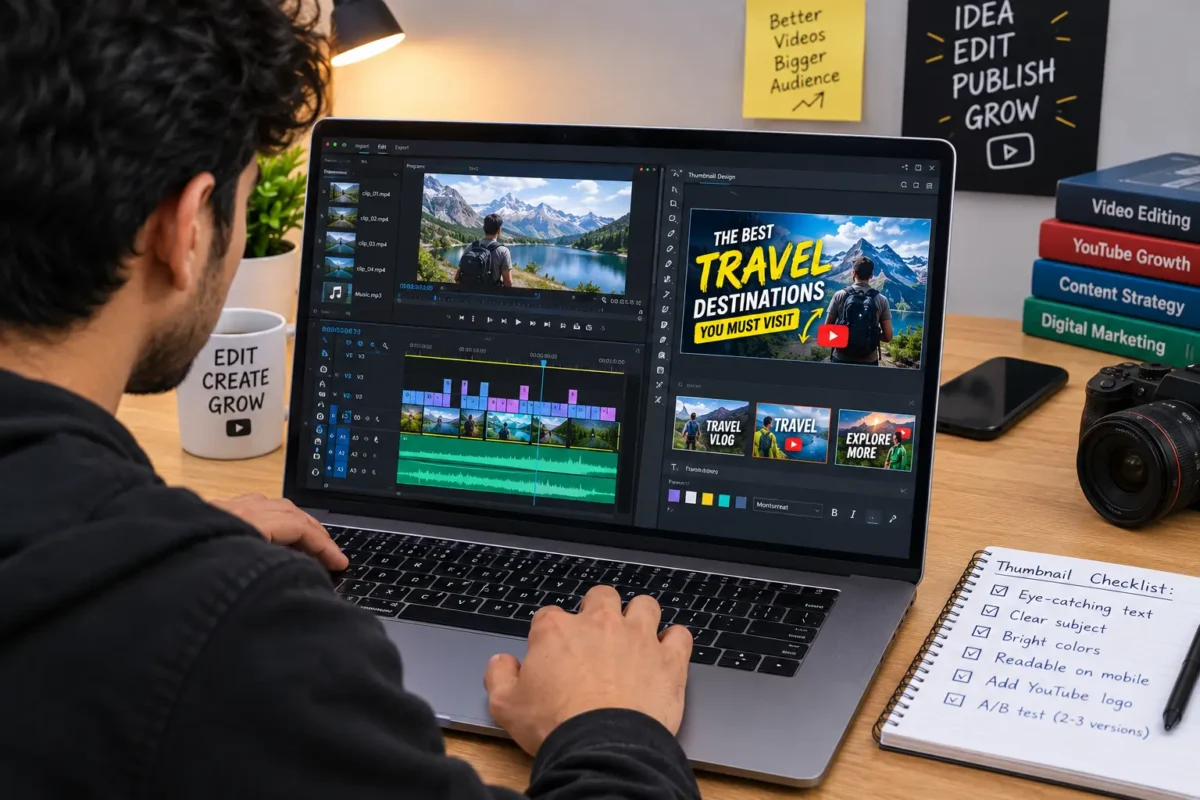
Editing is where your research, script, narration, and visuals become a complete viewing experience.
You can use an editing template to maintain consistent fonts, captions, transitions, and branding. AI features may help remove pauses, generate subtitles, or organize clips, reducing repetitive work.
However, efficient editing does not mean adding unnecessary effects to every scene.
Focus on:
- Clear audio and readable captions.
- A strong opening that matches the title.
- Visuals that explain or demonstrate the topic.
- Appropriate pacing and transitions.
- Accurate information and consistent branding.
For a tutorial channel, screen recordings may be more useful than decorative stock footage. For a documentary channel, relevant archival material, maps, diagrams, and carefully selected visuals may communicate the story more effectively.
Always check the final video before publishing.
Step 6: Create Attractive Thumbnails and Titles
Your thumbnail and title help potential viewers decide whether to watch your video.
AI-assisted design tools can help you explore layouts, generate background assets, and maintain a consistent visual identity. You should still review the result for clarity, accuracy, and readability.
Effective titles communicate a clear benefit or subject without misleading the audience.
For example:
- “How to Automate Repetitive Tasks with AI”
- “Seven AI Tools for Better Productivity”
- “How YouTube Automation Works for Beginners”
Use a thumbnail that reinforces the title rather than repeating a large amount of text.
Avoid fake earnings claims, exaggerated promises, and visual elements that suggest results the video cannot demonstrate.
Step 7: Publish Consistently and Study Analytics
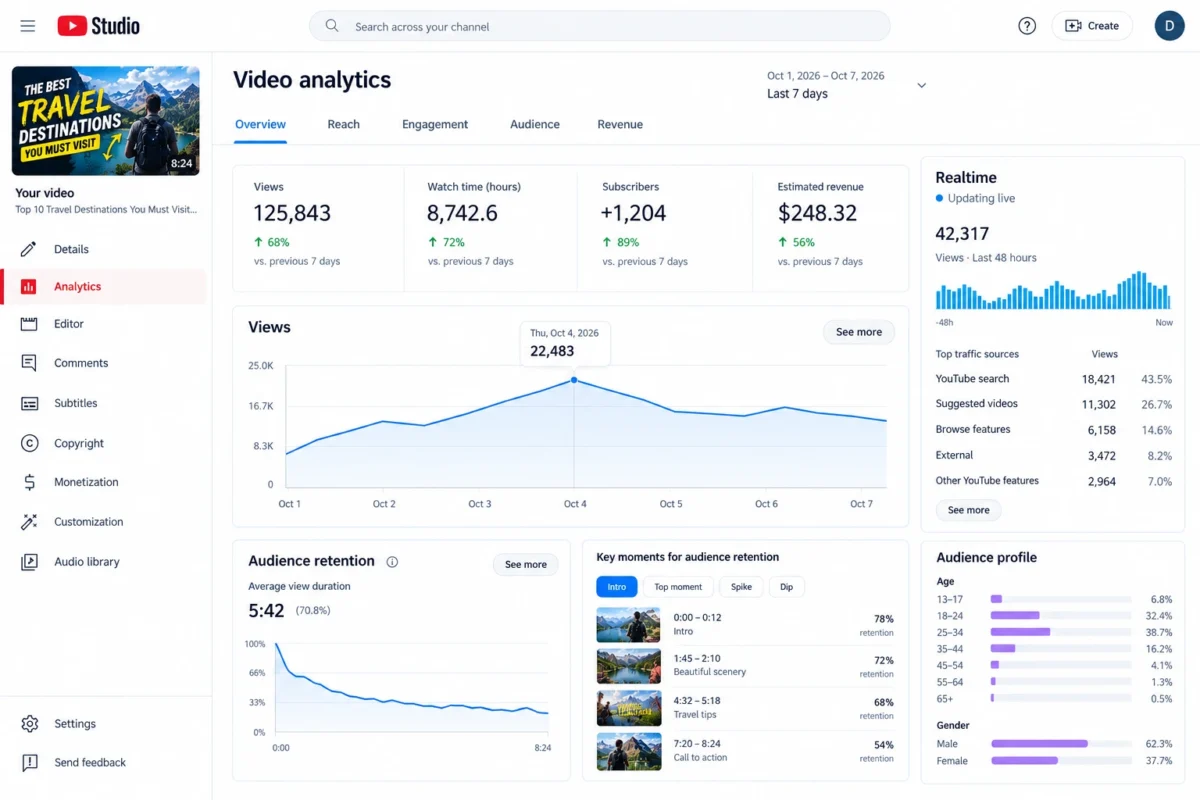
A repeatable publishing schedule makes your workflow easier to manage, but uploading more videos does not automatically produce better results.
Start with a schedule that allows enough time for research, editing, and quality control. For example, you might test one or two well-produced videos each week before deciding whether to increase output.
Use YouTube Studio to monitor relevant metrics, including:
- Impressions and click-through rate.
- Watch time and audience retention.
- Views and returning viewers.
- Subscribers gained from individual videos.
- Traffic sources and audience engagement.
Use these results to improve future videos. If viewers consistently leave during a long introduction, experiment with presenting the main problem earlier. If a topic attracts relevant viewers, explore related questions in subsequent videos.
Avoid changing your entire strategy based on one video’s performance. Look for recurring patterns and evaluate results over time.
Best AI Tools for YouTube Automation
The best tool stack depends on your budget, content format, and technical experience.
Production task | Example tools | Main purpose |
Research and scripts | ChatGPT | Topic development, outlines, drafting |
Voiceovers | ElevenLabs | AI-assisted narration |
Thumbnails and graphics | Canva | Visual design and branding |
Video editing | CapCut or Descript | Editing, captions, production |
AI video generation | Runway | Creating or transforming visual footage |
Performance tracking | YouTube Studio | Analytics and channel management |
You do not need every tool on this list. Beginners can start with a writing assistant, one suitable editor, and a simple design tool.
Before purchasing subscriptions, identify the specific production problem you need to solve. A smaller, well-managed tool stack is often easier to maintain than a complicated system with overlapping features.
How Does a YouTube Automation Business Make Money?
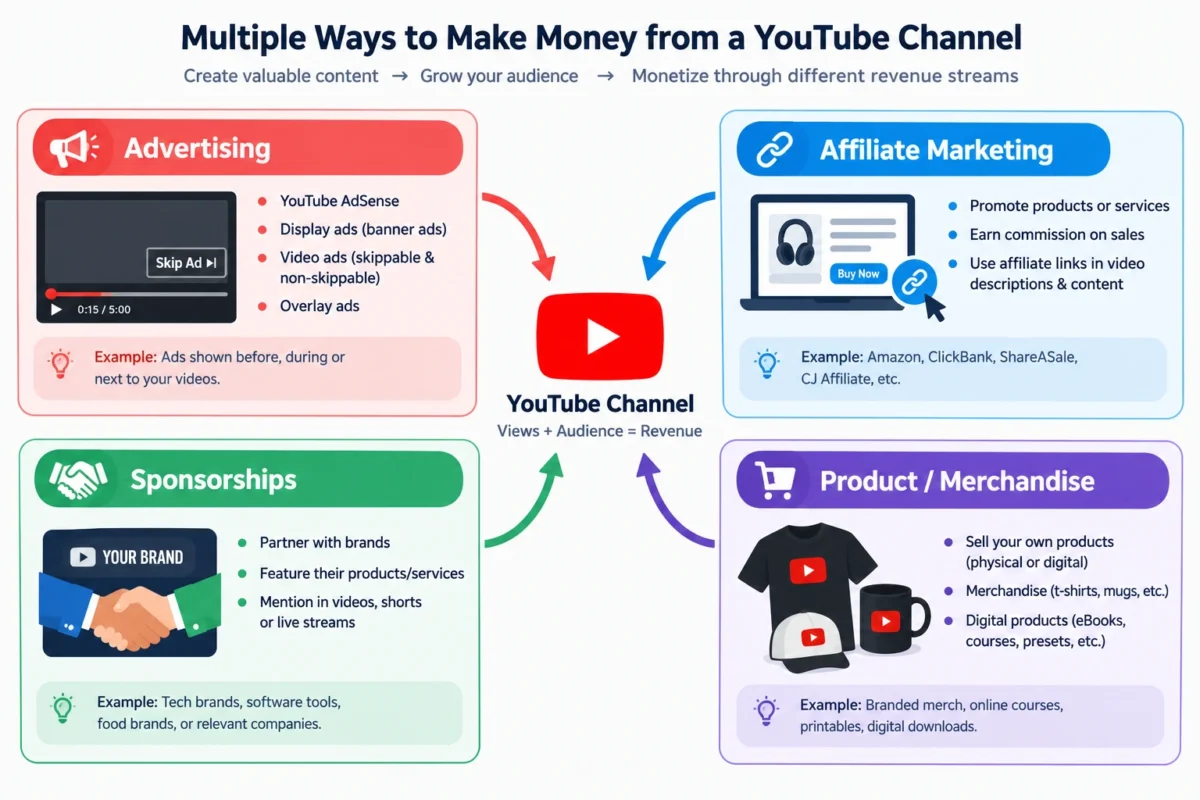
There are several possible revenue models, and they do not all require the same level of channel growth.
YouTube Advertising Revenue
Eligible creators can earn advertising revenue through the YouTube Partner Program. For Shorts, eligible creators must accept the applicable Shorts monetization terms.
Under the standard eligibility routes documented by YouTube, creators generally need 1,000 subscribers and either 4,000 valid public watch hours from long-form videos within 12 months or 10 million valid public Shorts views within 90 days. Channel review and other requirements apply, and Shorts Feed watch hours do not count toward the 4,000-hour route.
Check YouTube’s official eligibility guidance because requirements and available features can change.
Affiliate Marketing
You can recommend relevant software, equipment, or services and earn commissions through qualifying purchases or actions.
For example, a channel teaching video editing might recommend a legitimate editing application or microphone. Disclose affiliate relationships clearly and follow the relevant program’s terms.
Sponsorships
Brands may pay to feature products or services in videos that reach a relevant audience.
Sponsorship potential depends on audience fit, engagement, content quality, and the sponsor’s goals. You do not need to assume that a particular subscriber count guarantees a deal.
Digital Products and Services
You can sell original templates, guides, courses, or services related to your niche.
For example, a channel teaching productivity workflows could offer an original planning template. A software tutorial channel might provide setup assistance or consulting where the creator has the necessary expertise.
Diversifying revenue can make your business less dependent on advertising alone, but every method requires audience trust and a legitimate value proposition.
YouTube Automation Mistakes to Avoid
Automation can improve efficiency, but certain practices may damage your channel or prevent monetization.
- Publishing mass-produced videos: Repetitive videos with little original value may fail YouTube’s inauthentic-content requirements.
- Reusing other creators’ content: Downloading videos and making superficial changes can create copyright and reused-content problems.
- Ignoring fact-checking: AI can produce inaccurate information, outdated product details, and fabricated references. Verify important claims before publishing.
- Expecting guaranteed income: Views, subscribers, and revenue are uncertain. Do not build a budget around unverified earning projections.
- Spending too much too early: Avoid hiring a full production team or purchasing multiple subscriptions before testing whether your content attracts an audience.
- Using AI deceptively: Follow YouTube’s disclosure requirements for realistic altered or synthetic content when applicable. Use licensed voices, music, footage, and other assets.
- Neglecting the audience: A highly automated production system is not useful if the videos fail to answer viewers’ questions or provide a compelling viewing experience.
A Practical 30-Day Starting Plan
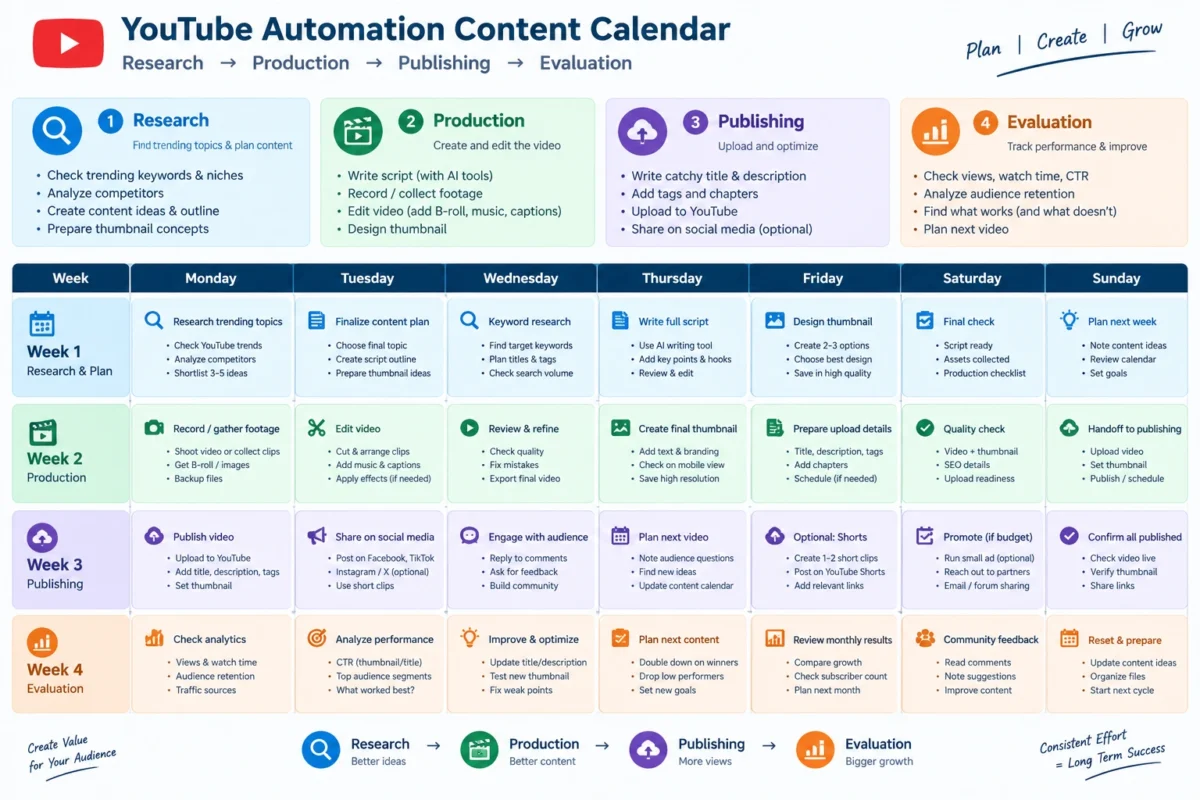
You can use your first month to establish a basic workflow and test your content ideas.
Week 1: Research and planning
- Select one niche and define your target audience.
- Review competing channels and identify unanswered questions.
- Choose a small set of initial topics.
- Set up your channel and basic visual identity.
Week 2: Production setup
- Draft and fact-check your scripts.
- Test your narration and editing tools.
- Create a reusable thumbnail and editing template.
- Produce your first videos.
Week 3: Publishing and feedback
- Publish according to your realistic schedule.
- Share relevant videos through appropriate channels.
- Review comments and early audience feedback.
- Identify production problems that need improvement.
Week 4: Evaluation and refinement
- Review available YouTube Studio analytics.
- Compare performance across topics and formats.
- Improve openings, pacing, thumbnails, and scripts.
- Plan the next batch of videos based on what you learn.
The purpose of this plan is to establish a working system, not to promise monetization within 30 days.
Key Takeaways
- A YouTube automation business uses tools, systems, and sometimes freelancers to streamline video production.
- AI can assist with research, scripting, narration, editing, and design, but human review remains essential.
- Choosing a clear niche and publishing original, useful content are more important than maximizing upload volume.
- Advertising, sponsorships, affiliate marketing, and digital products offer different potential revenue streams.
- YouTube monetization policies apply to AI-assisted and faceless channels.
- Start with a manageable budget, evaluate performance, and expand your workflow when there is a clear reason to do so.
Frequently Asked Questions
A YouTube automation business uses software, repeatable workflows, and sometimes freelancers to manage video production and channel operations. The owner may use AI for research, scripts, narration, editing, and design while overseeing quality and strategy. Automation can reduce manual work, but it does not guarantee views, monetization, or profit.
Yes. You can begin with a writing assistant, a video editor, and a design tool. Use them to develop original scripts, produce suitable visuals, and create consistent videos. Before investing in paid software, test your workflow and verify each tool’s current features, licensing terms, and availability.
AI-assisted videos can qualify for monetization when they comply with YouTube’s policies and provide original value. However, repetitive, mass-produced, or minimally transformed content may be ineligible. Copyright requirements and synthetic-content disclosure rules can also apply. Review YouTube’s current monetization policies before building your production model.
The cost depends on your tools, production quality, and whether you handle tasks yourself or hire freelancers. A beginner can test a workflow using existing equipment and free or low-cost software. Paid subscriptions, stock assets, and outsourcing increase expenses, so establish a budget and validate your content before scaling.
There is no guaranteed timeline. A channel must attract viewers and meet the relevant requirements before earning through eligible YouTube monetization features. Affiliate commissions, sponsorships, and other income sources have separate conditions. Focus initially on content quality, audience retention, and a sustainable publishing process rather than a fixed earnings deadline.
Conclusion
Learning how to start a YouTube automation business with AI tools can help you build a content operation without handling every production task manually.
Begin with a niche you understand, research topics that solve real problems, and use AI to make scripting, narration, editing, and design more efficient. Review every video for originality, accuracy, and audience value before publishing.
Once you have established a repeatable workflow, study your analytics and explore suitable monetization options. Avoid expensive commitments and unrealistic income promises while your channel is still developing.
The goal is not to automate creativity out of your content. It is to remove unnecessary production work so you can focus more on the ideas, quality, and audience relationships that make a channel worth watching.